Submit Delist Cisco Talos Intellegence
This guide will assist you how to submit delist or adjust the reputation from Cisco Talos Intellegence. This usually can be used whenever the customer is VPS or Dedicated server, and having issue while sending out email due to bad email reputation. When it comes to reputation, need to check some first before submit delist.
Table of Contents
Check Talos Intellegence Reputation
Firstable, check talos reputation. This system is owned by Cisco and trusted by major email provider worldwide. So make sure the IP address we are checking is labeled as POOR.
Check MXTOOL BOX DNSBL
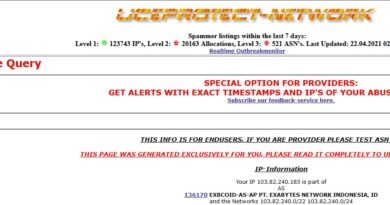
Second, check mxtoolbox DNSBL and see if the IP address is majorly blacklisted or all DNSBL showing green sign. If the IP address showing all green, then it is likely there was a mistake on Cisco. We can request delist / dispute.
Check Its Own Mail Server
See if the mails actually legit or being spammed. This is important to check and determine if the server actually 100% legit and NOT being spammed or does not have any spam mail queue. So by then, we can proceed to request delist or dispute.
If there are so many malicious script, then we can’t just delist or dispute it. Make sure all malicious script has been renamed (for windows) and chmod to 000 (for Linux). Make sure you scan with ImunifyAV or aibolit make sure the script has been jailed! Then proceed to dispute/delist to Cisco.
Register Account Cisco
Register new account with your exabytes.com email. Then access page dispute or Reputation center. You will see the IP address stated as POOR on reputation section. Now change it to NEUTRAL.
NOTE : Do not change to Good immediately. Or your dispute may got rejected

Fill The Comments with Logical Reason
Now fill the comment section with your logical reason. For example :
- Company mail for marketing purpose
- Company mail for public relations purpose and may send quite large for some time
- Mail system for registration notification purpose
- Did not blacklisted by major DNSBL, but may send quite large email with unique signature
- And many more with logical reason
Update Customer
Now with dispute request being processed, this can’t be done within 1-2 hours. Your status will be set as pending for next couple hours. Say to customer usually the delist request take up to 24 hours. You can suggest them to re-send email after few hours.